Give It a Task
Once the test data set has been imported and indexed, you can start chatting with the agent. The enthusiast-starter package comes with a few example agents, that are pre-configured to execute different workflows. To learn more how to build custom agents, see the customization section of the documentation.
For now, let’s try the Catalog Knowledge Agent. This agent is configured to answer questions based on both the products and documents imported into the system — it knows how to search the product catalog and retrieve relevant content from uploaded documents.
In the left sidebar, go to “Ask” → “Catalog Knowledge Agent”. This will open the chat interface, where you can interact with the AI agent.
The Catalog Knowledge Agent was built following the Creating a Custom Agent tutorial — follow that link to see exactly how it was constructed.
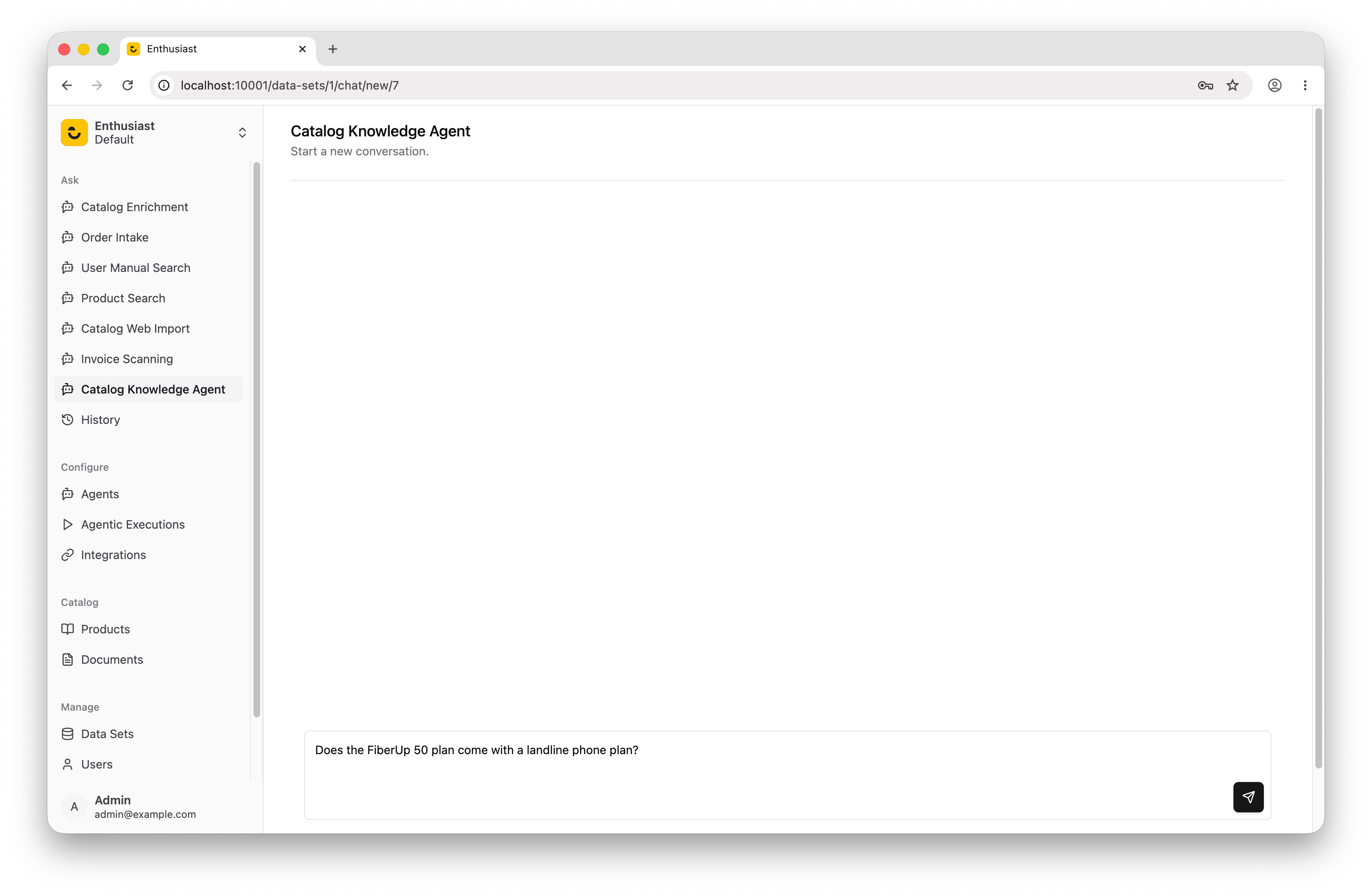
Here are a few sample requests to try:
“Does the FiberUp 50 plan come with a landline phone plan?”
“Write an ad for a FiberUp 100 special Christmas offer, that discounts the monthly price by 20% for the first year.”
“Respond to the following customer question: What channels are available in the FiberUp 50 package?”
“Respond to the following customer question: Will I get roaming charges if I go to Switzerland with MobileUp Unlimited plan?”