Manage Users
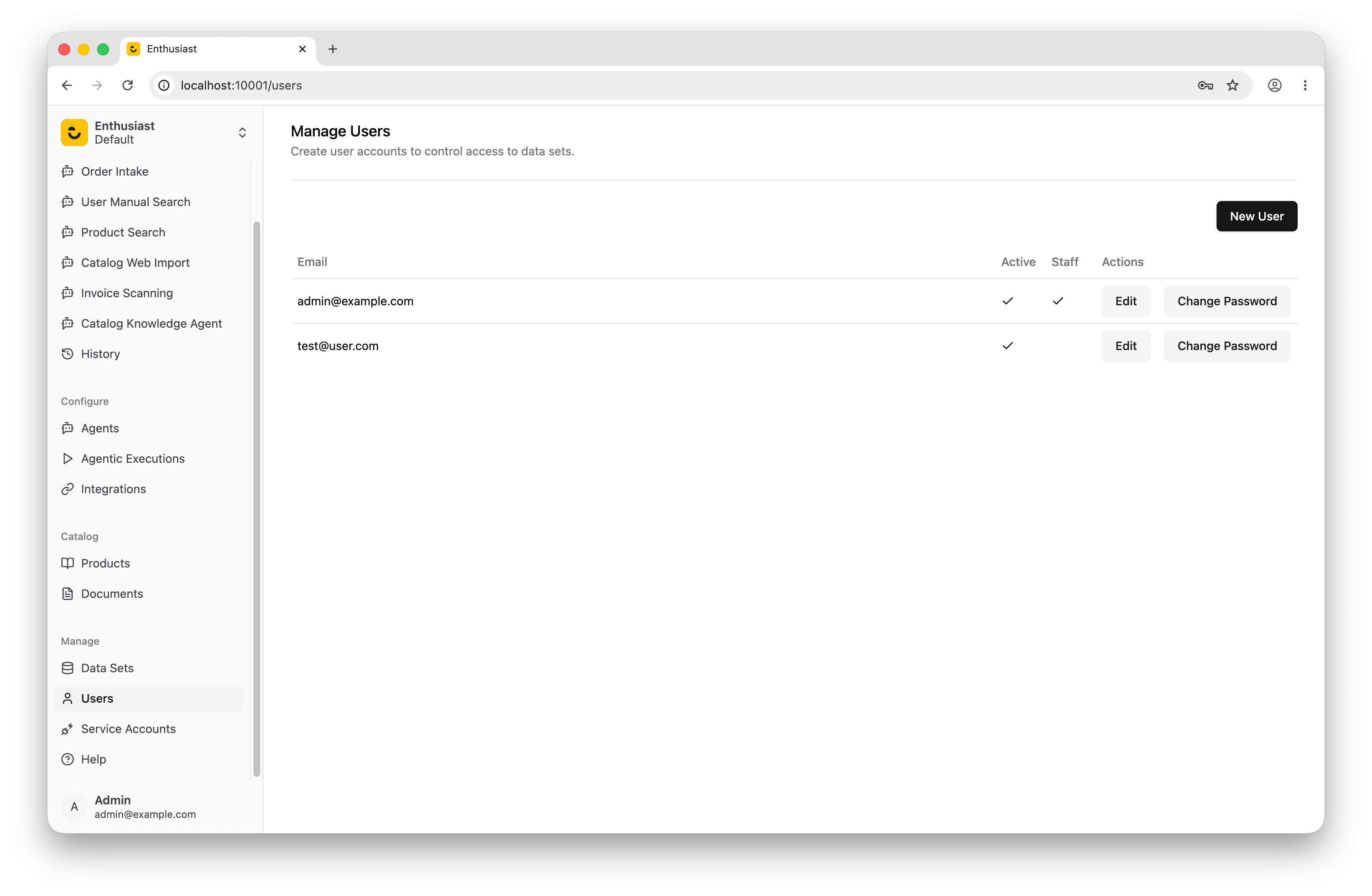
Creating separate user accounts helps you manage access to data sets.
To manage users, sign in as an administrator and go to “Manage” → “Users” in the UI. This interface allows you to create new users and edit existing ones.
Last updated on